 Fuzzzy Core
Your first mix
Two tracks, two decks, one slide. Your first mix in six moves.
Open Fuzzzy Music
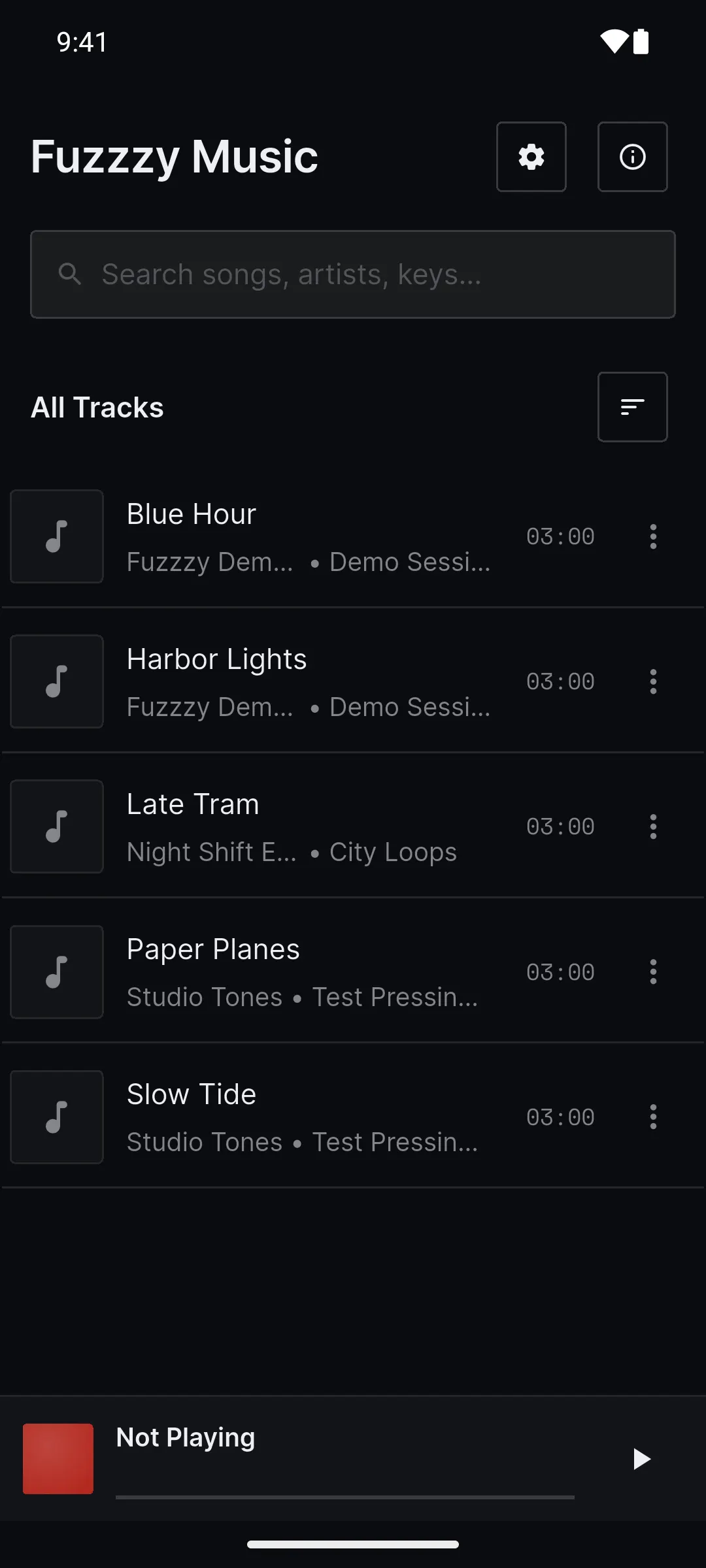
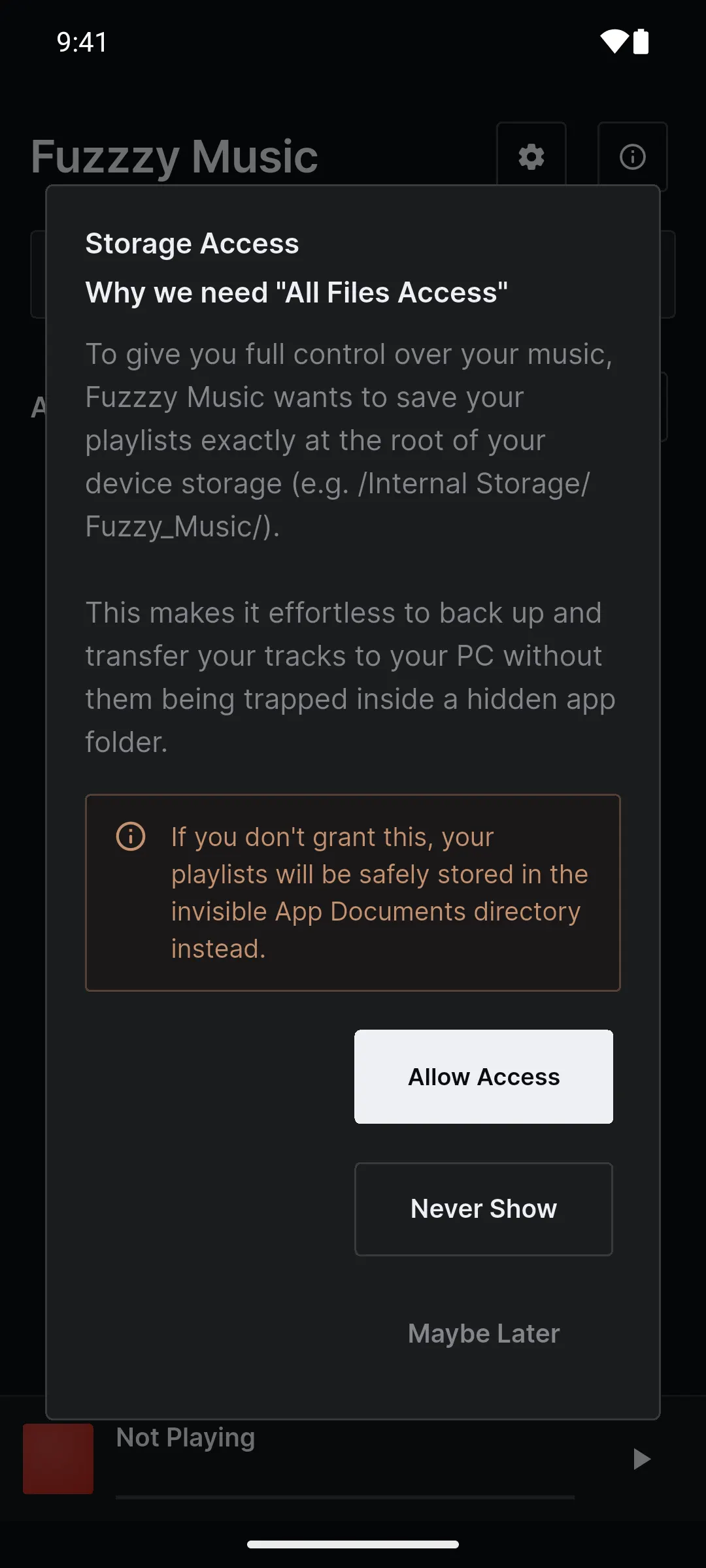
Open the app and let it see your music when your phone asks. If it asks about Storage Access, either answer is fine for now. The songs already on your phone show up under All Tracks.
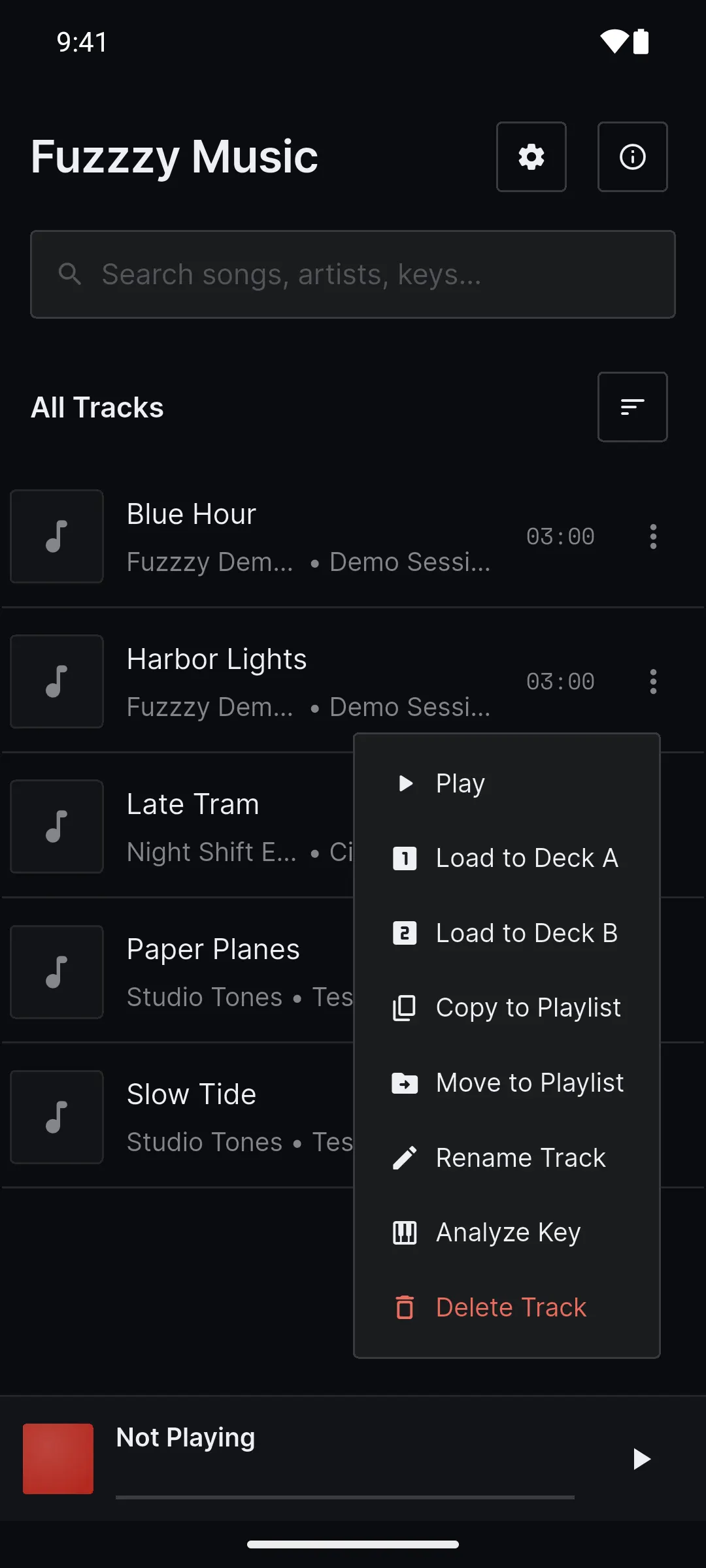
Load Deck A
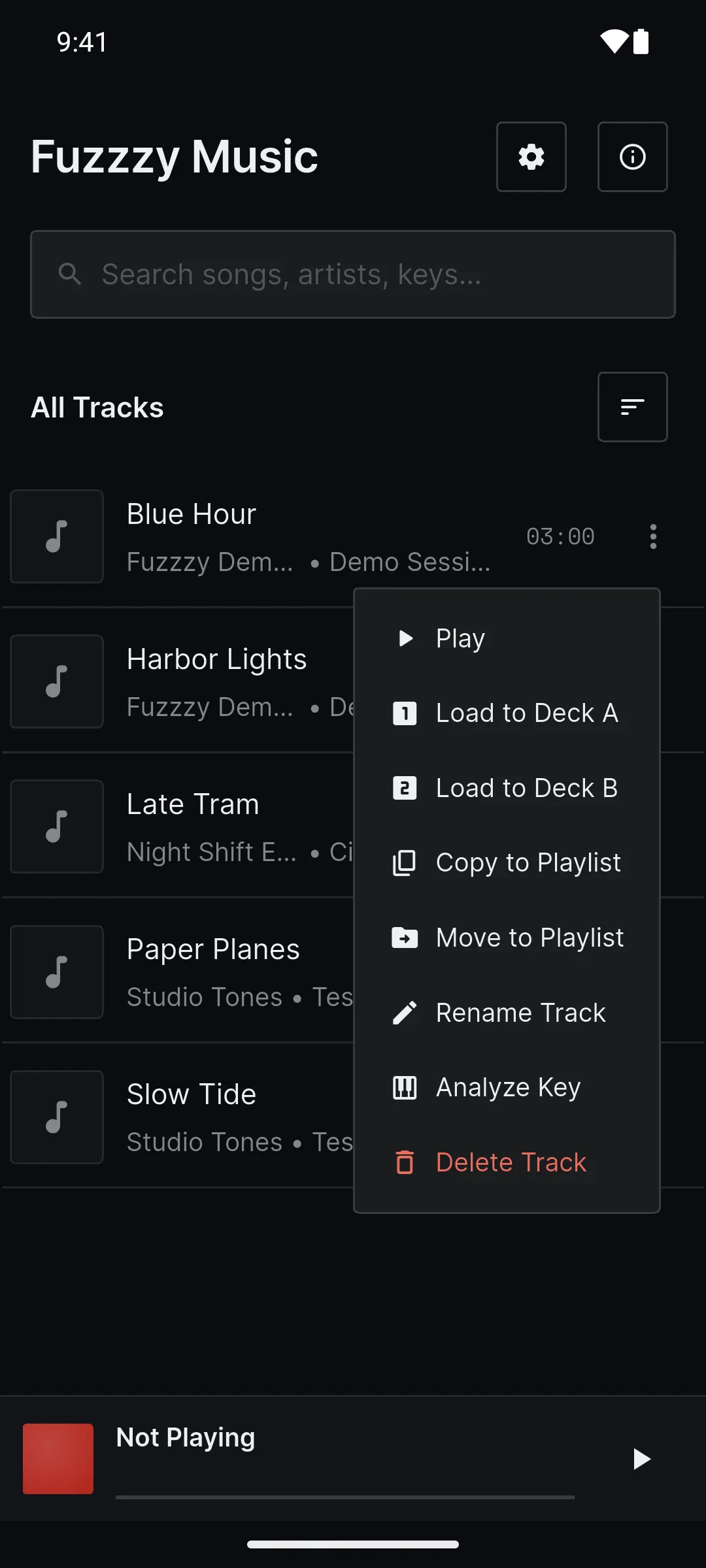
Tap the menu next to a track and choose Load to Deck A. The DJ Mixer opens with your track on the first deck.
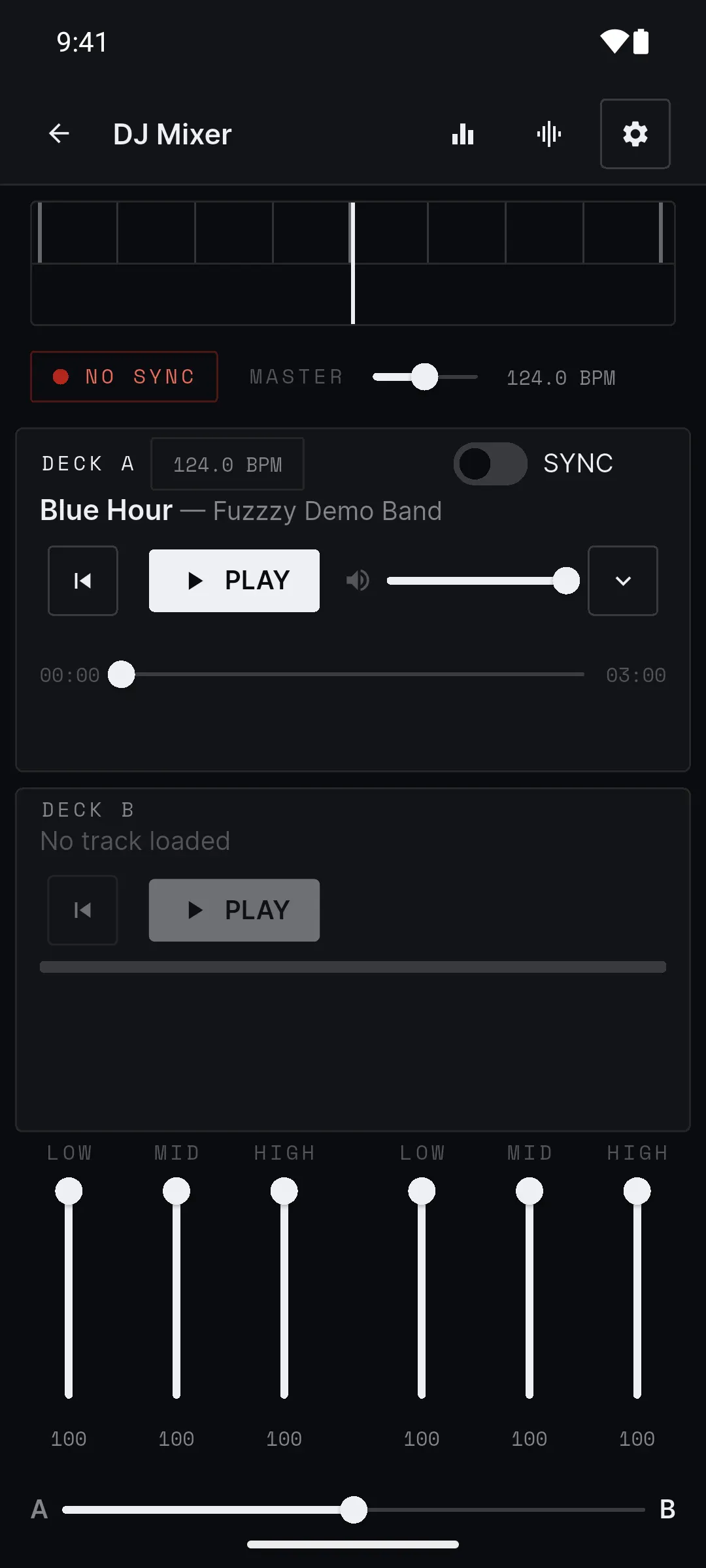
Load Deck B
Go back to your library, pick a second track, and choose Load to Deck B.
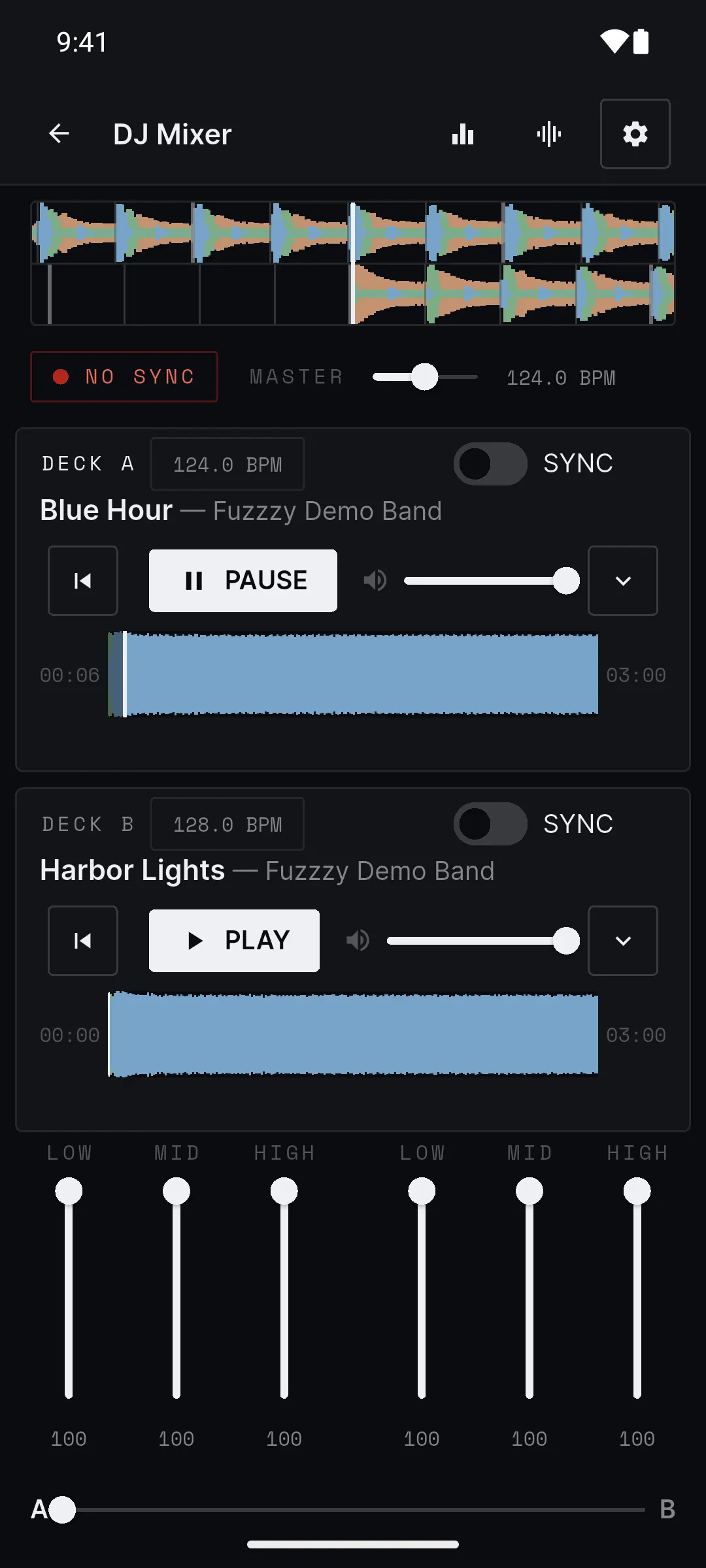
Press play
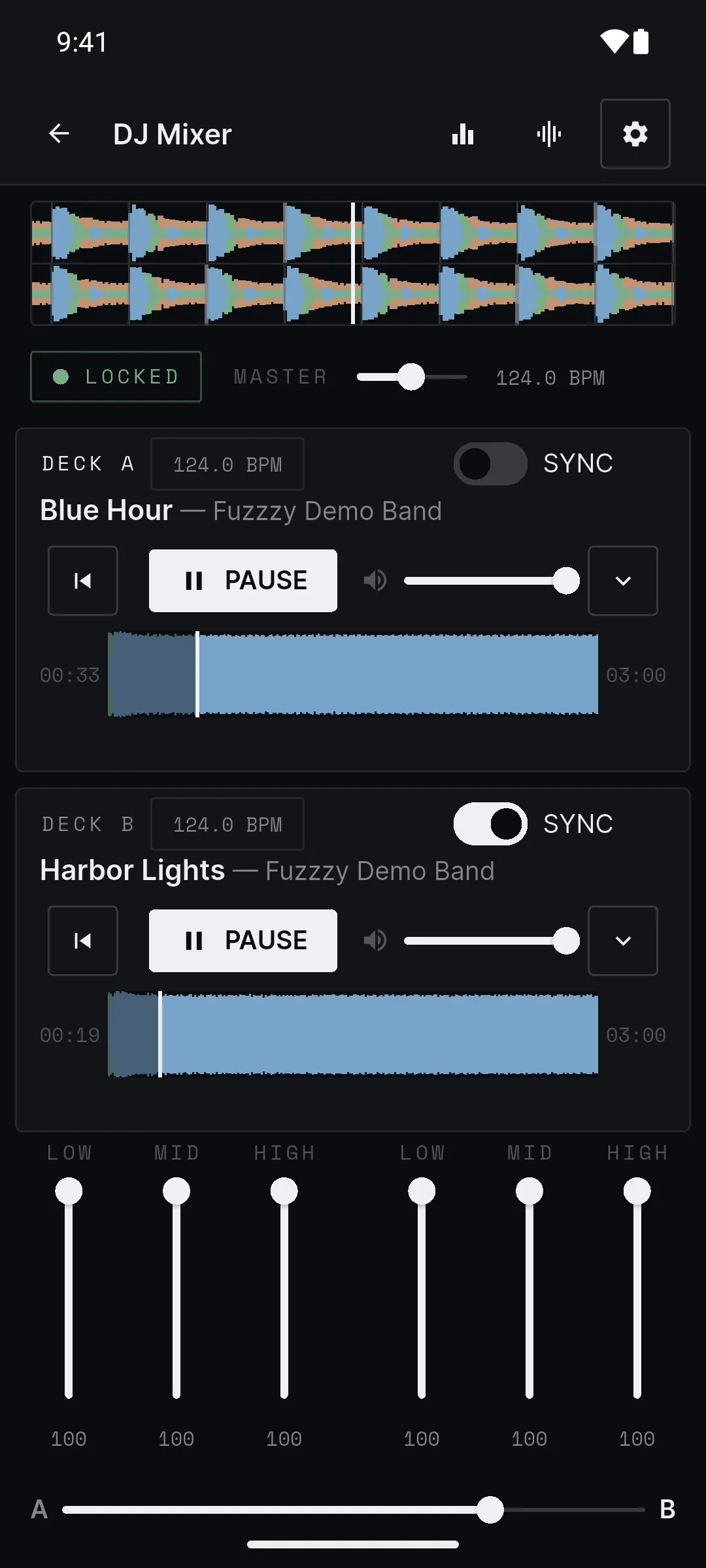
Press PLAY on Deck A. Slide the crossfader all the way to A, so only Deck A is playing out loud.
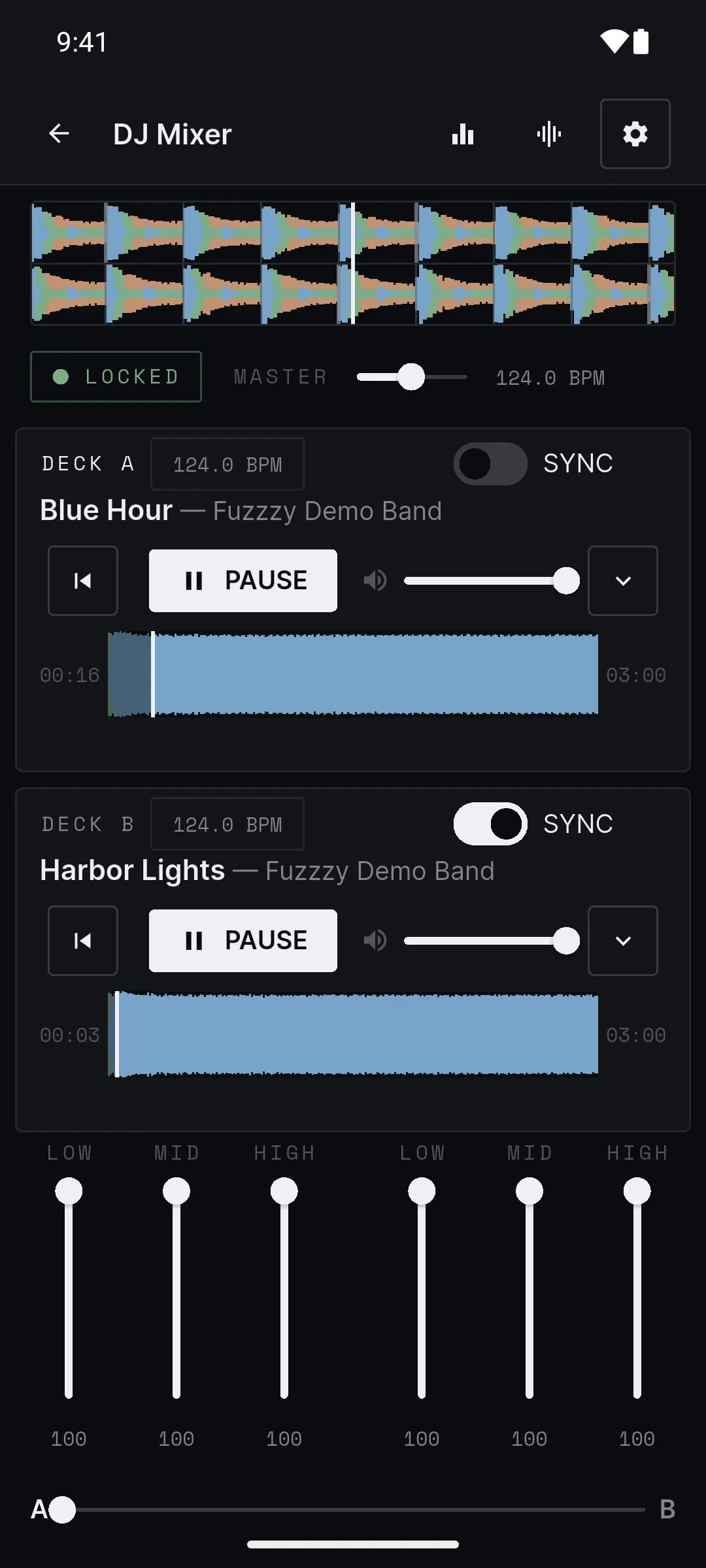
Match the beats
When both decks show a BPM, switch on SYNC for Deck B and press its PLAY. Wait for the badge to say LOCKED.
Slide to B
Move the crossfader slowly from A to B. Deck B takes over. That is a mix.