 Fuzzzy Core
Your first private message
Six steps, two phones, one friend. Then it is just you and them.
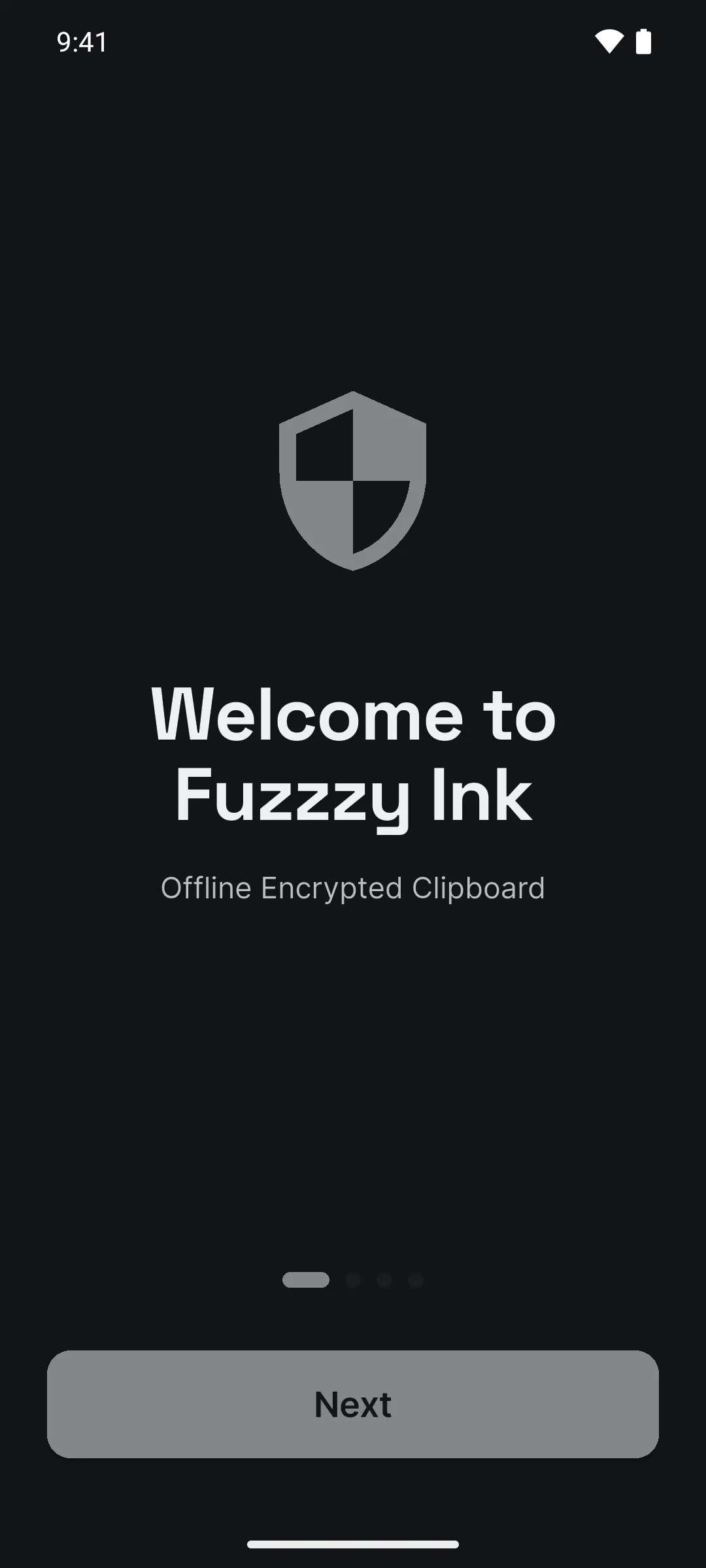
Open the app
Swipe through the four intro screens and tap Get Started. No account, no phone number, no password.
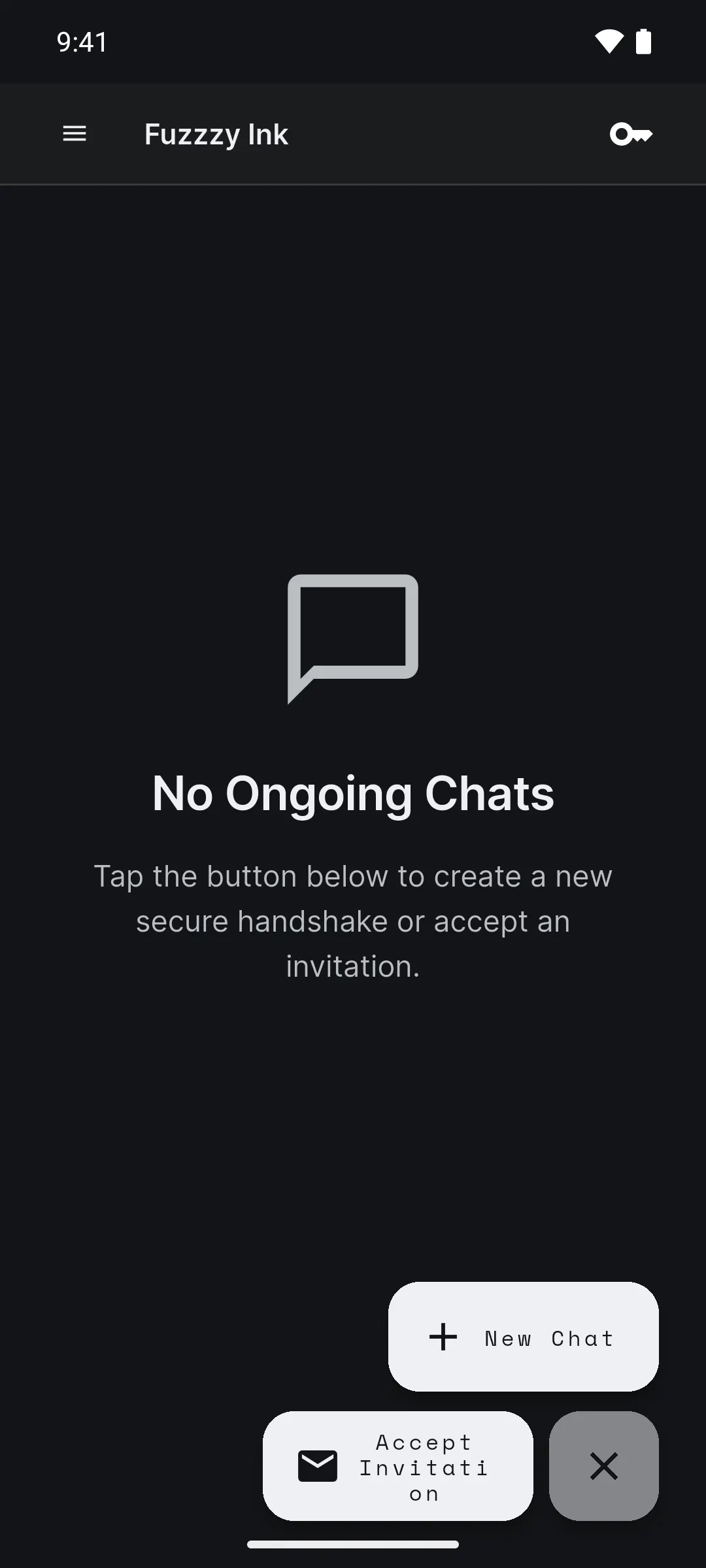
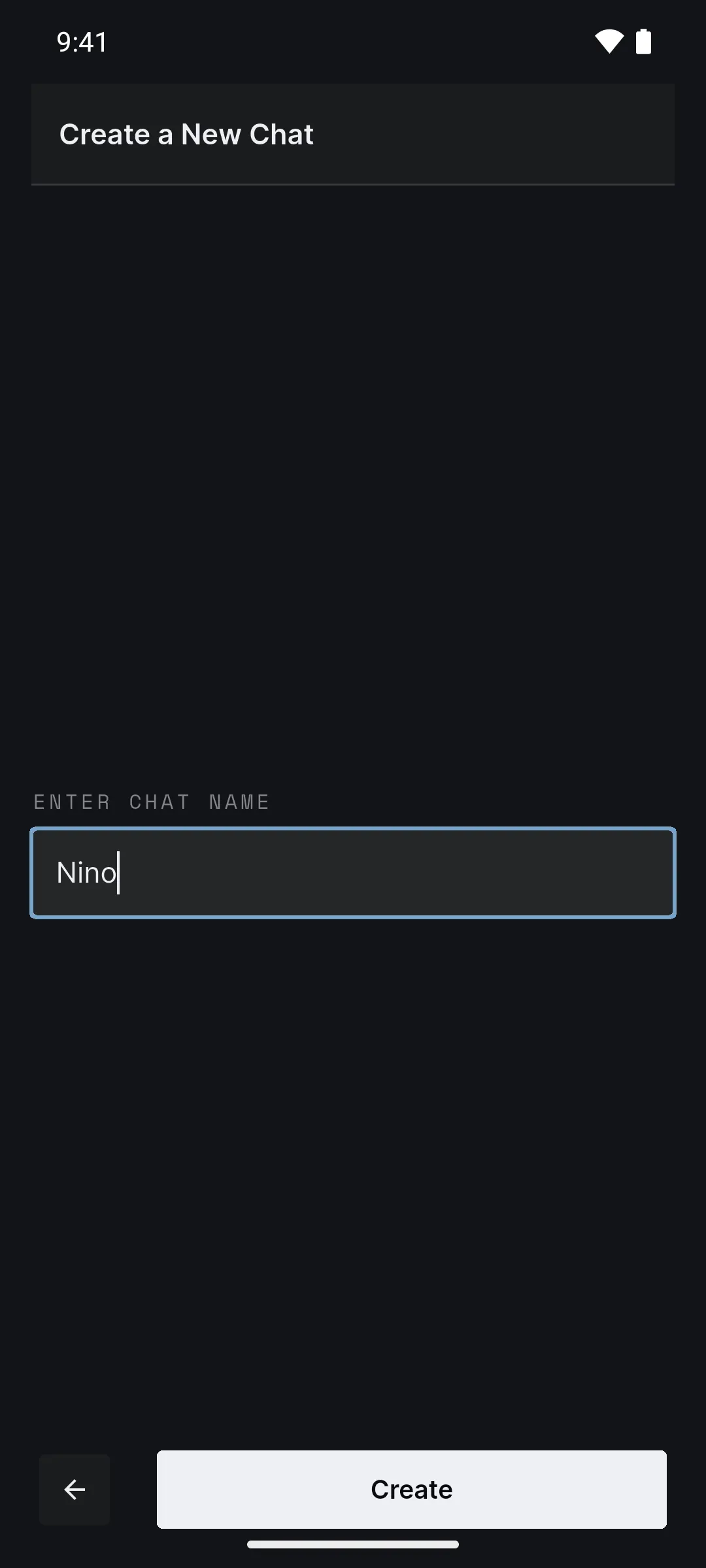
Start a chat
Tap the round button in the corner, then New Chat. Give the chat a name and tap Create.
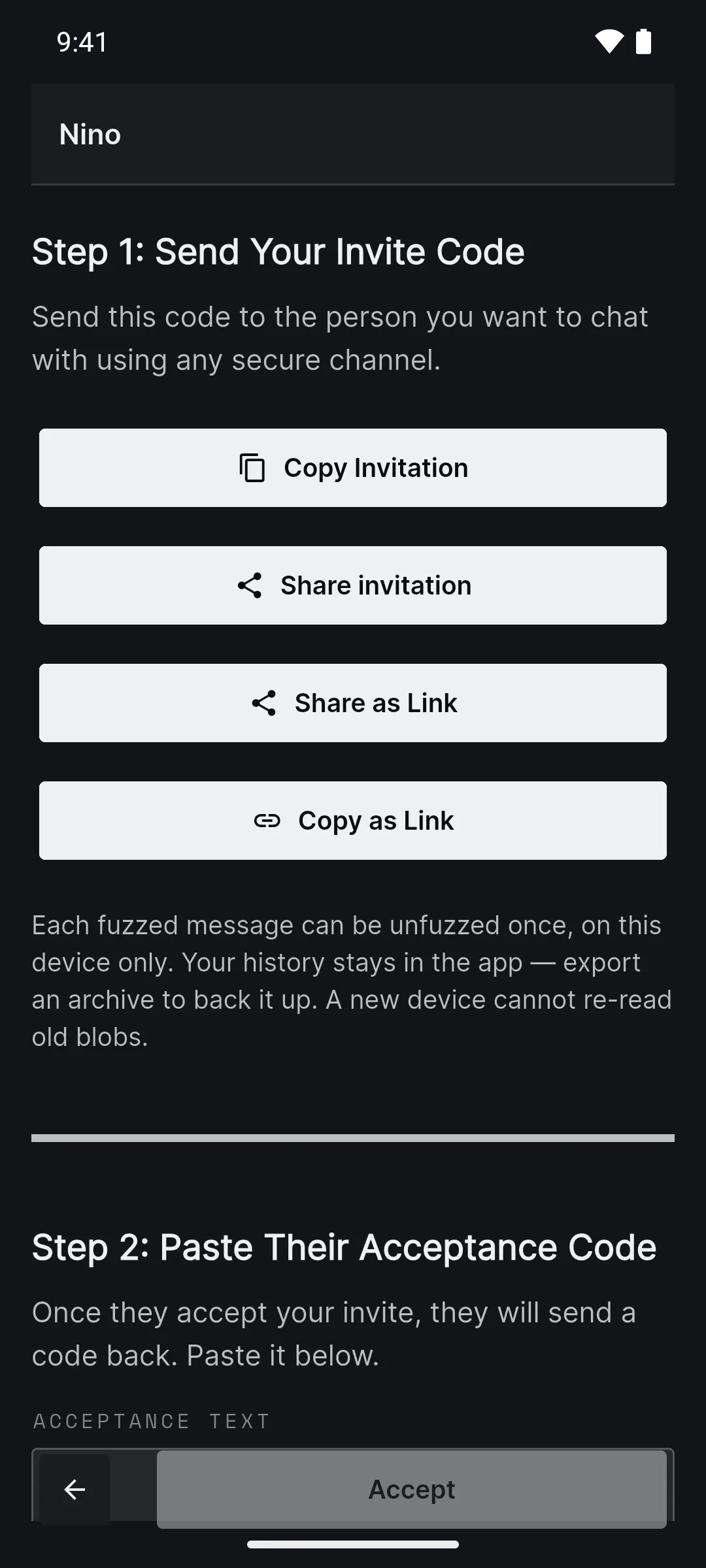
Send your invite
Tap Copy Invitation or Share invitation, and send the code to your friend any way you like.
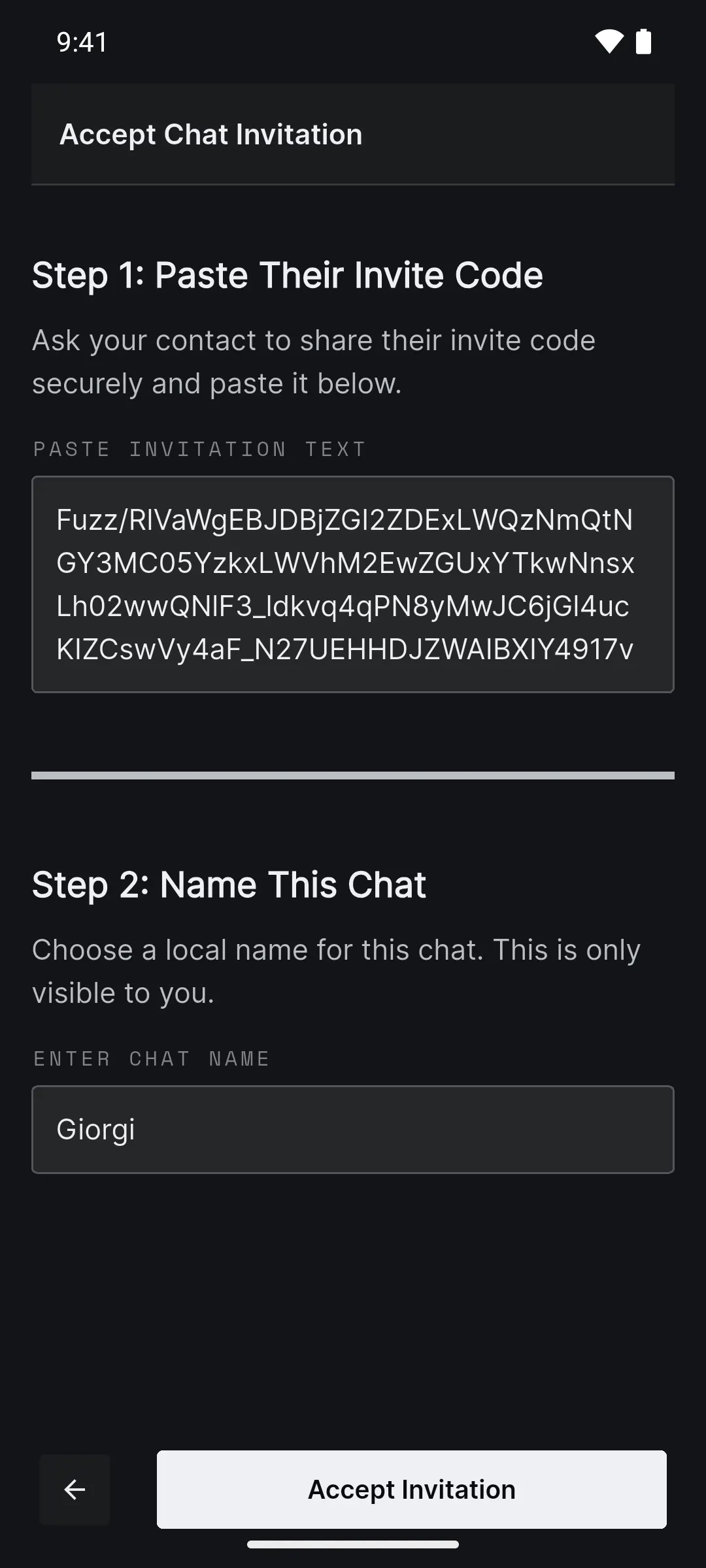
Your friend accepts
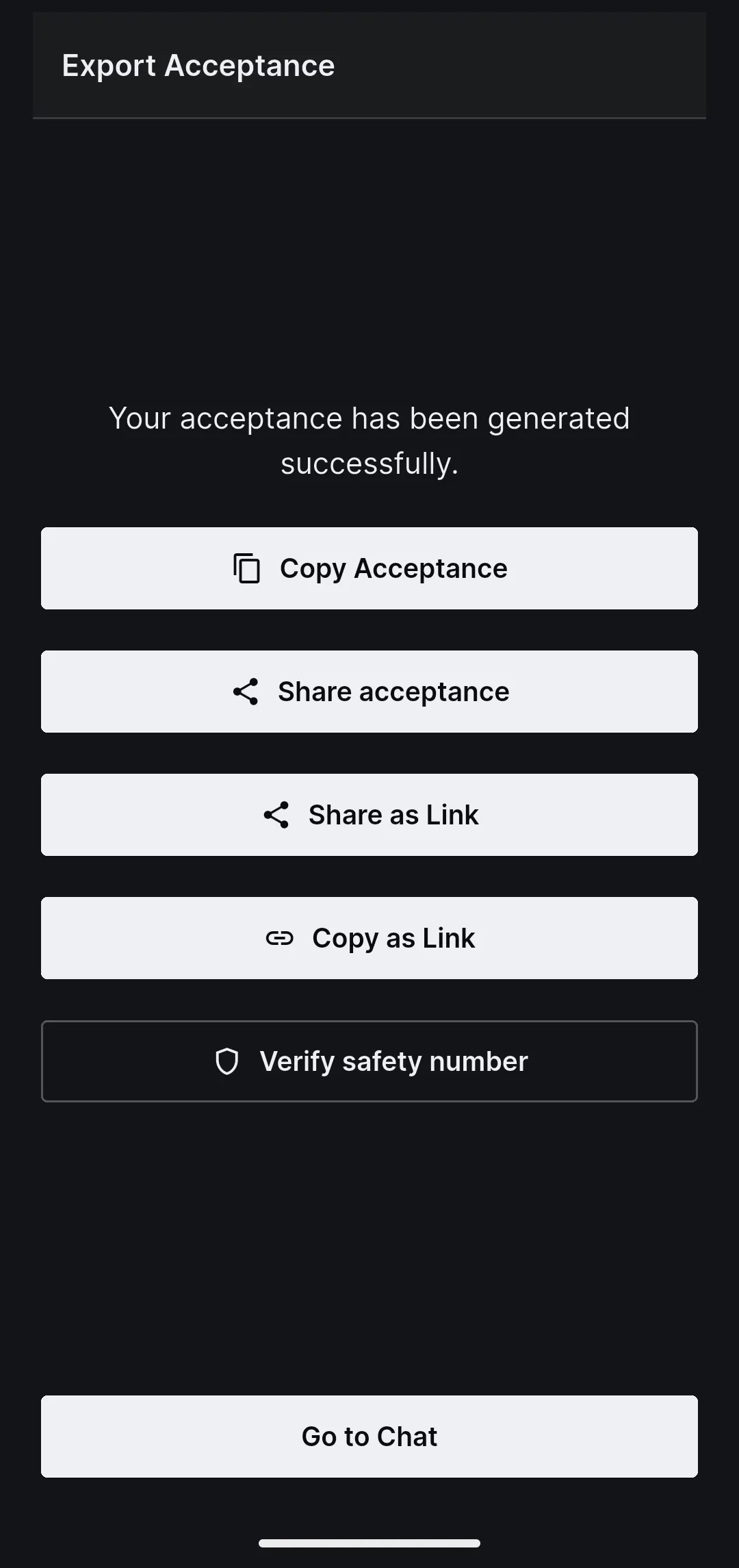
On their phone they tap the round button, then Accept Invitation. They paste your code, name the chat and tap Accept Invitation. Then they send you their code back with Copy Acceptance.
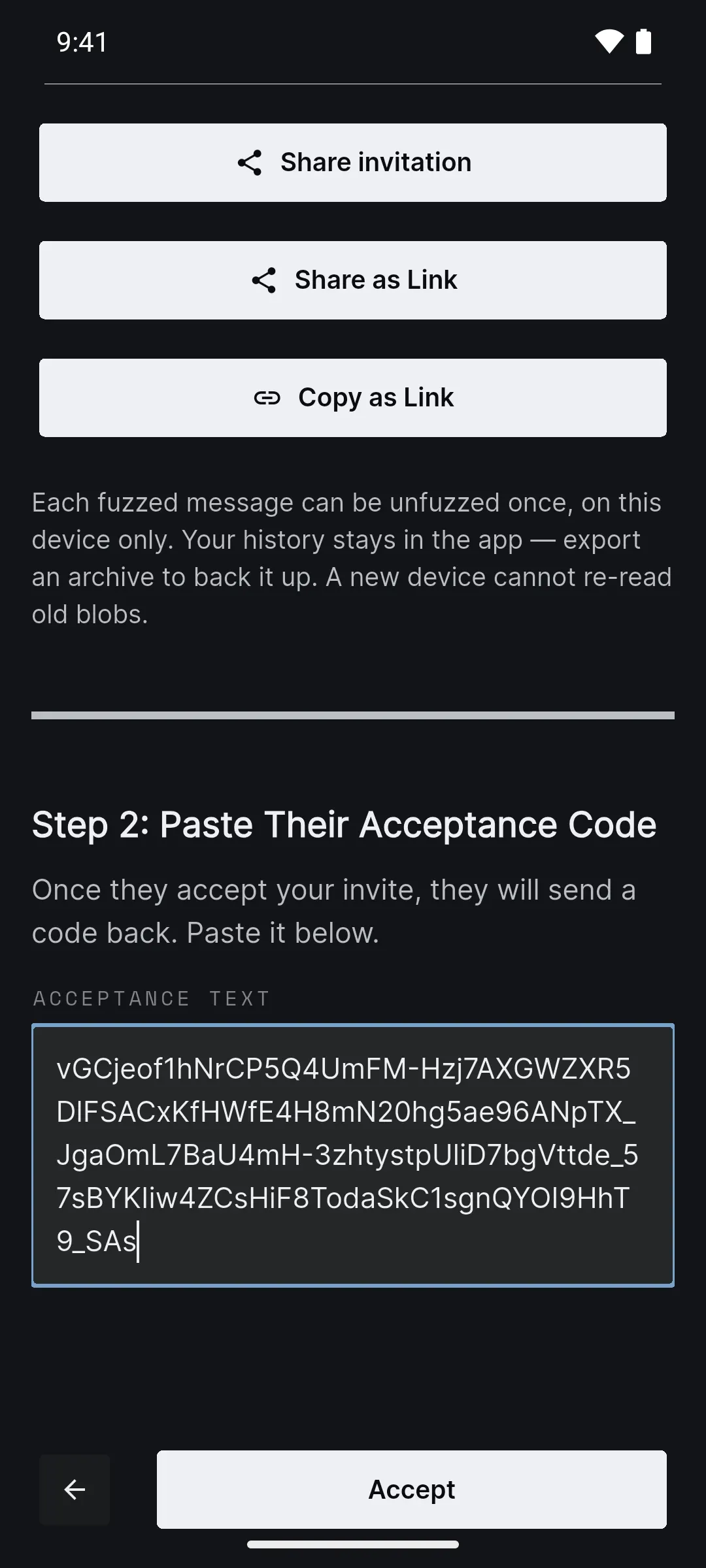
Close the loop
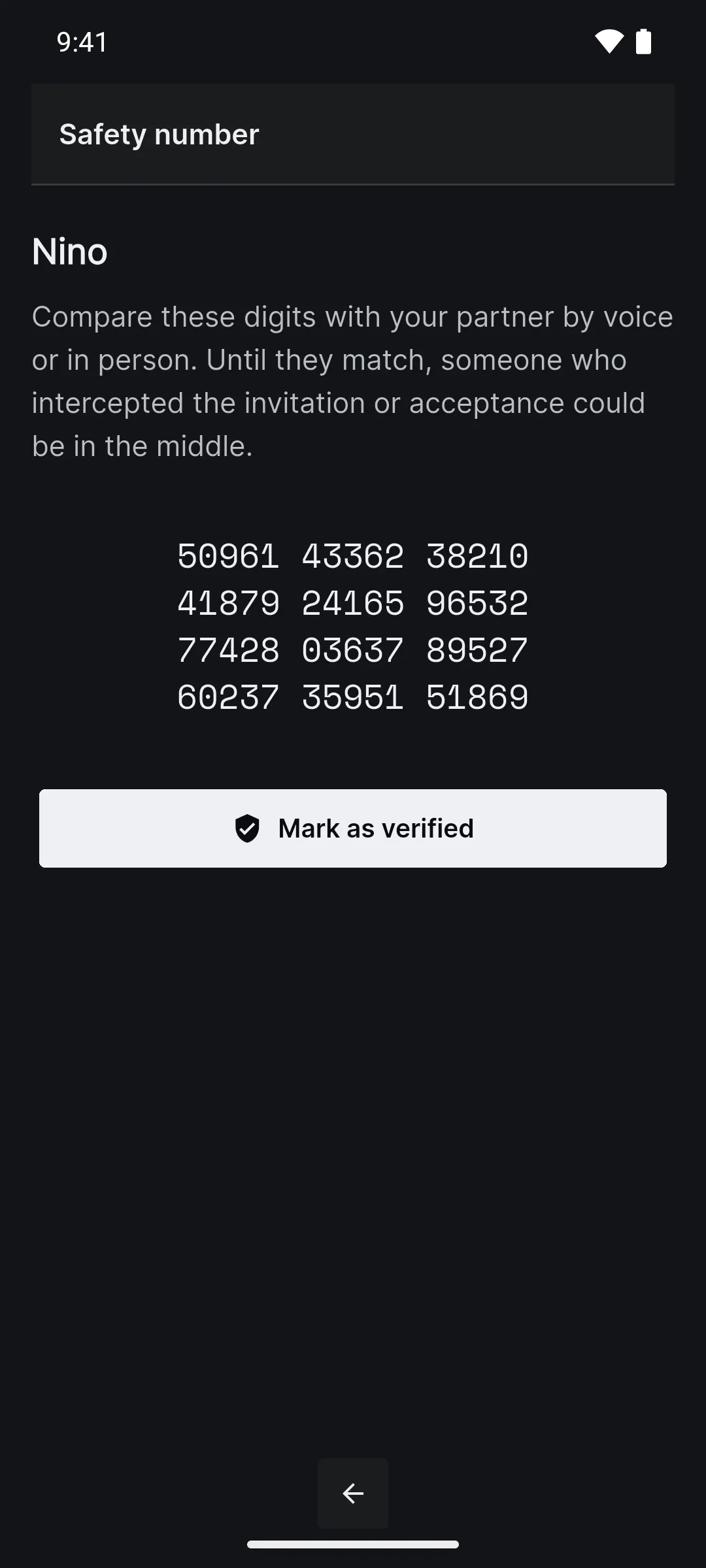
Open your waiting chat, paste their code into Acceptance Text and tap Accept. Compare the safety number with your friend in person or on a call, then tap Mark as verified.
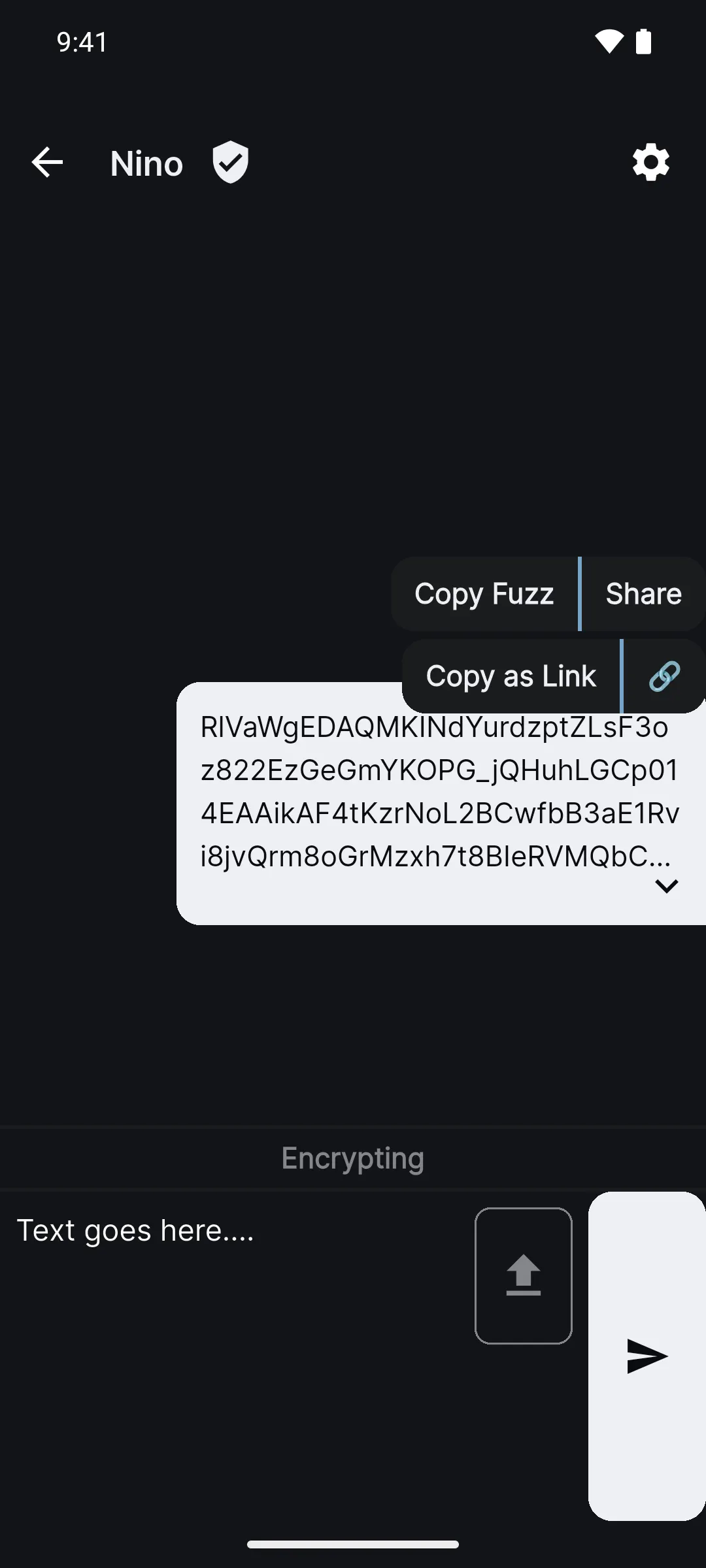
Write, fuzz, deliver
Type your message and tap send. It is scrambled right there on your phone. Tap it, choose Copy Fuzz, and paste it anywhere. Your friend pastes it into the same chat and taps send to read it.