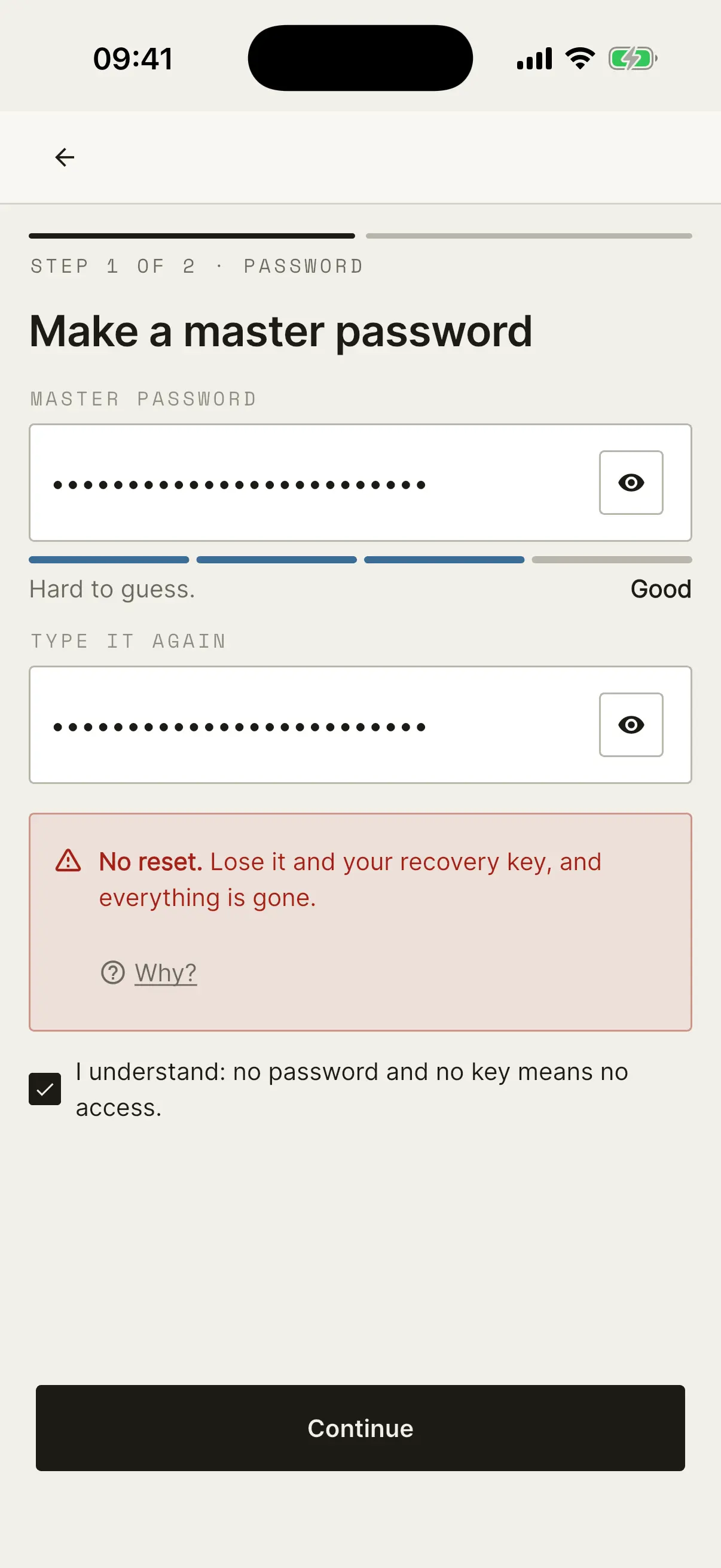
 Fuzzzy Core
Night
You want to say something only one person can read.
Fuzzzy Ink
Coming soonMessages only you can read.
Write a message and tap Lock. Ink locks it on your phone. Send it any way you like. Only your friend can open it.
Made for anyone who wants only one friend to read their message.
Three steps. That's the app.
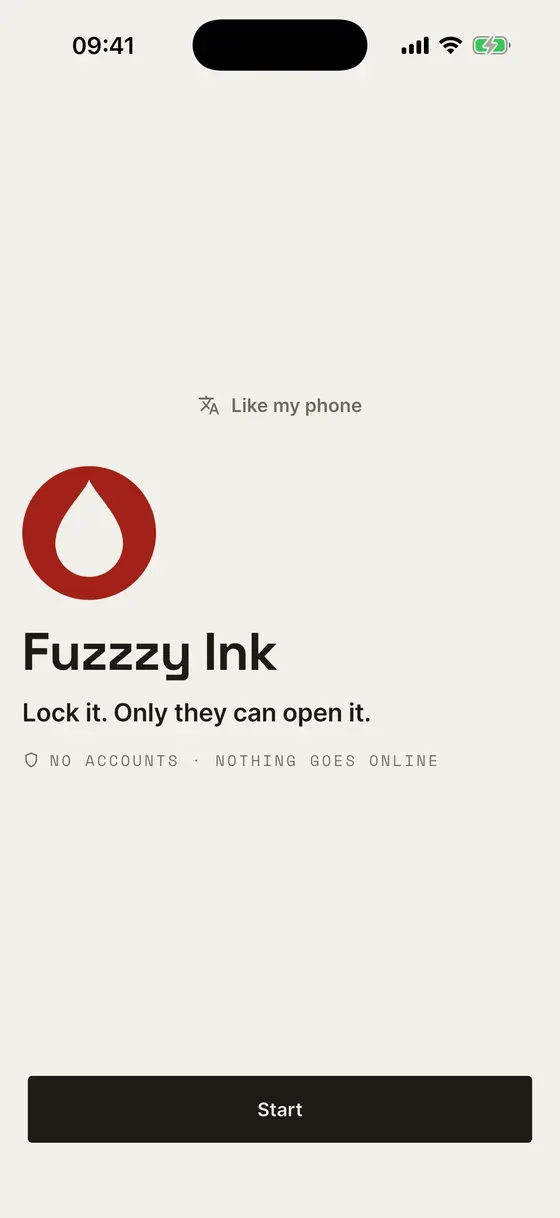
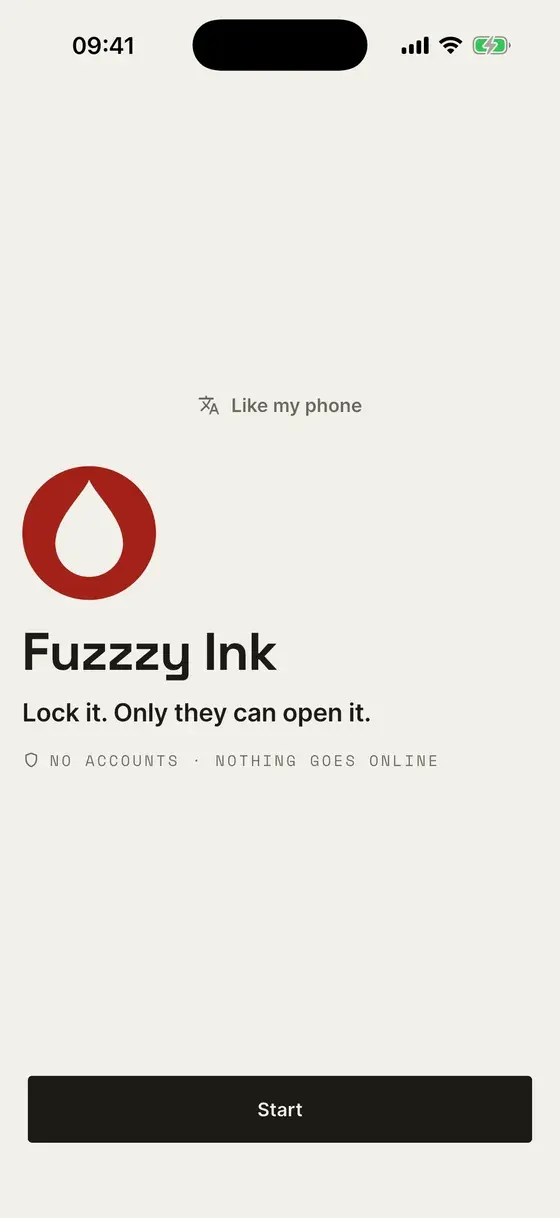 Lock it. Only they can open it.
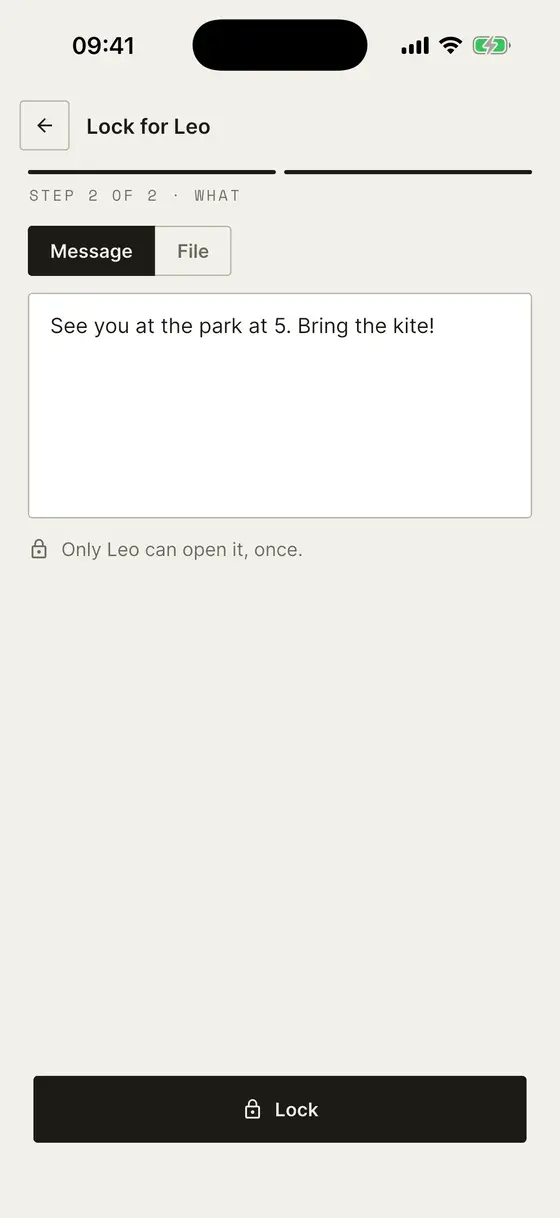 Write it. Tap Lock.
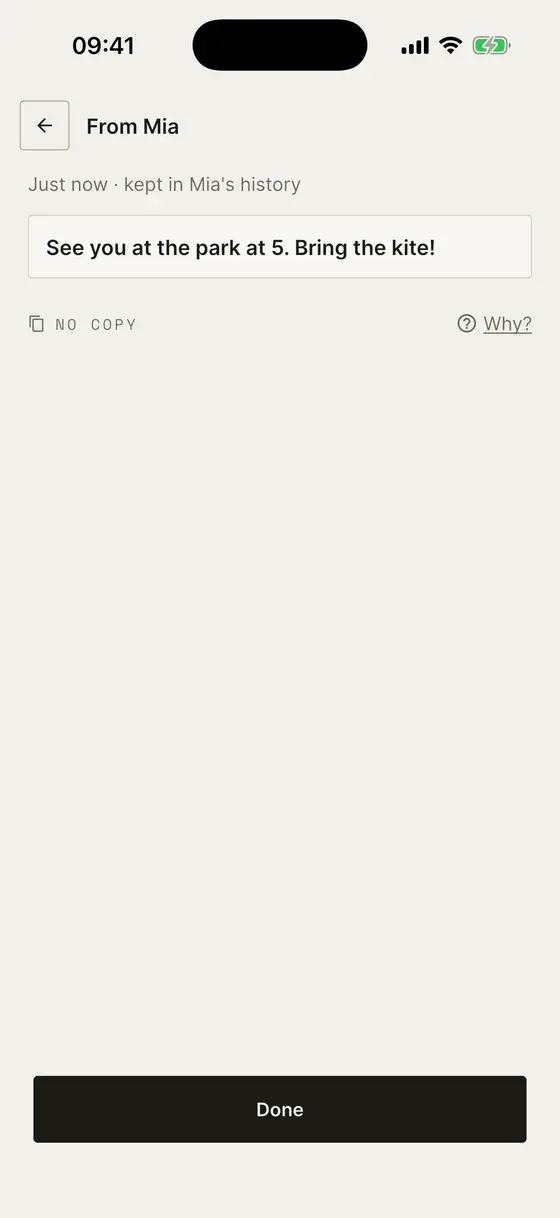 Your friend taps Open. It opens once.
No accounts. Ink locks messages on your phone. Share the locked text any way you like.
Want to try? It's a little game.
Play opens a little game. It shows how Fuzzzy Ink works. You can close it any time.